
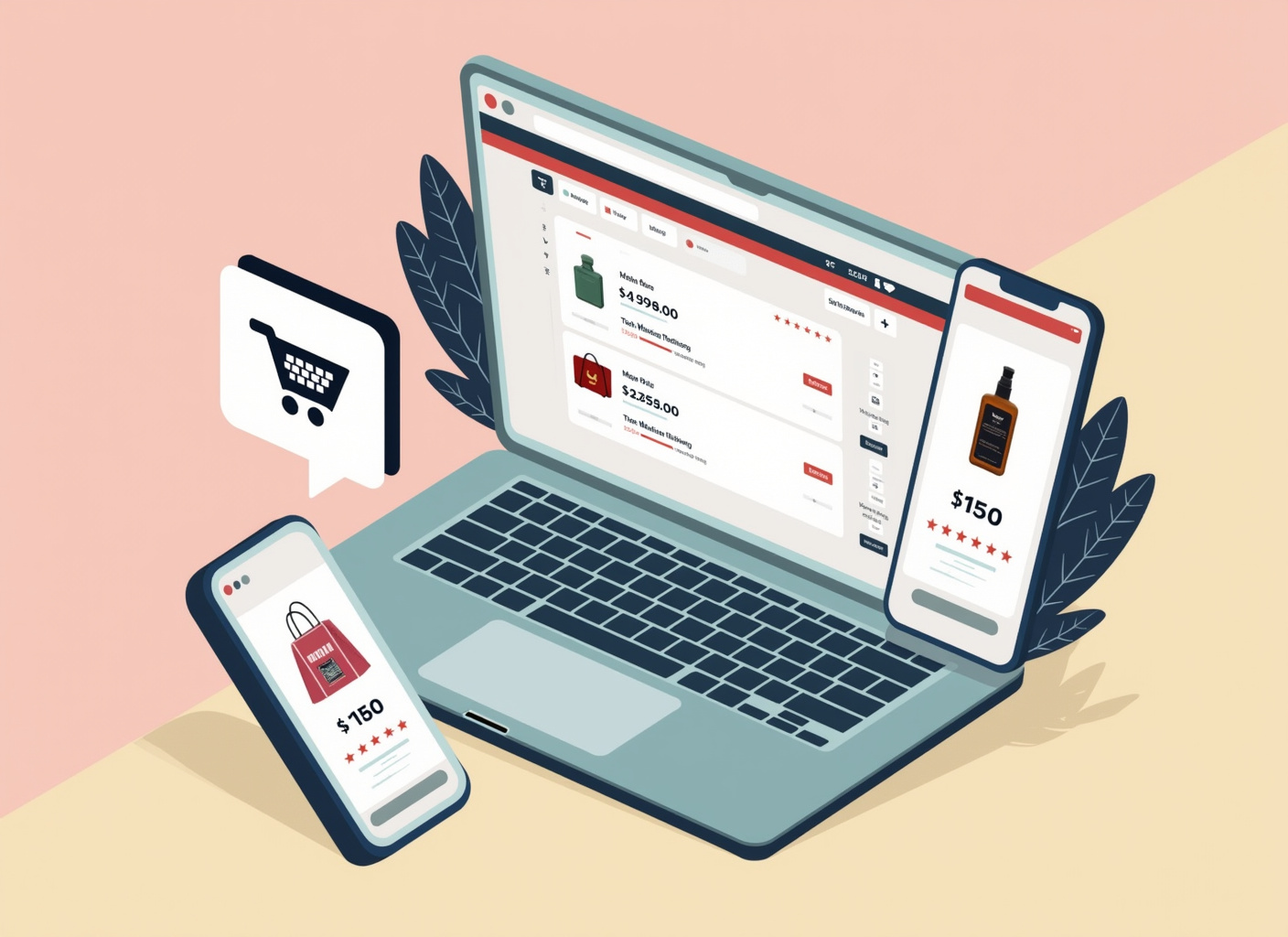
Product listings are incomplete or inconsistent across channels
A shopper looking at the same item on a brand's site, on a marketplace listing, and in a social post often sees three different prices, two different photo sets, and one missing size chart. That inconsistency is not a branding problem first — it is a data problem. When product information lives in separate spreadsheets or separate admin panels for each sales channel, someone eventually forgets to update one of them, and the gap shows up to the customer as doubt rather than as an internal error.
Doubt at the point of decision is expensive. A shopper who cannot confirm dimensions, materials, or current price will not call to ask — they will close the tab. Mailchimp's guidance on catalogue management frames this directly: a catalogue is the single source of product data — titles, images, pricing, stock — that every channel should pull from, rather than each channel maintaining its own copy. Centralising the catalogue and syncing it outward through platform integrations is the fix, and it is a smaller project than it sounds: most storefront platforms and marketplace connectors support feed-based syncing, so the work is standardising the source data once, not rebuilding every channel by hand.
This is worth doing before anything else on a launch checklist, because it does not require a redesign or a bigger ad budget. It requires deciding on one format for product titles, one image standard, one pricing source, and then pointing every channel at it.
A business decides to sell online
Selling online is a sequence, not a single decision, and skipping a step tends to surface later as a support problem rather than a strategy problem. The order matters because each layer depends on the one before it.
- Choose a storefront. A business either picks a hosted e-commerce platform or commissions custom website development. FedEx's overview of e-commerce business opportunities treats this as the foundational step: without a functioning storefront, there is nowhere for the rest of the sequence to attach. A guide to the build process itself, including the technical components a custom build needs — catalogue, cart, checkout, admin — is laid out in Shakuro's e-commerce website development guide.
- Connect the systems that make transactions real. Payment processing, inventory tracking, and shipping calculation are not features of the storefront itself in most cases — they are third-party systems the storefront integrates with. Get this wrong and the store can display products it cannot actually sell.
- Decide on legal structure before the first sale, not after. Whether a seller operates as a sole proprietor or forms a limited liability company changes who is personally exposed if a customer disputes a charge, a product causes harm, or the business takes on debt — a decision worth making with an accountant or attorney rather than deferring.
- Populate product content and start driving traffic. Nix United's breakdown of digital marketing for e-commerce treats content and paid or organic traffic generation as the layer that sits on top of a working store, not a substitute for one — marketing to a store that cannot process an order reliably just amplifies the failure.
- Fulfil the order. Packing, shipping, and delivery communication close the loop, and they are where customer experience is actually decided, since a customer who never has a problem with checkout will still judge the brand on how the package arrives.
Cost scales with how many of these a business builds versus rents. A hosted platform subscription, a domain, payment processing fees per transaction, and an initial ad budget are the recurring line items; inventory and any custom development are the variable ones. None of these numbers are fixed across businesses, so a realistic budget is built by pricing each of the five steps above against actual quotes rather than a single blanket figure.
Traffic arrives but does not convert
Visitors showing up without buying is not one problem — it is usually one of three, and each has a different fix. Treating "improve the store" as the fix without diagnosing which layer failed wastes both time and ad spend.
| Layer | What it looks like when broken | How to check |
|---|---|---|
| Content | Product pages lack the detail a shopper needs to decide — size, material, use case, honest photos | Compare bounce rate on product pages against category pages; a jump on product pages points here |
| Experience | Checkout is slow, asks for too much, or breaks on mobile | Look at cart-to-checkout and checkout-completion rates separately, not just overall conversion |
| Fulfilment | Delivery timelines are unclear or unreliable before the sale is even placed | Check whether shipping cost or delivery estimate is shown before the final checkout step |
Voog's guide to creating e-commerce content makes the content layer concrete: product pages need to answer the questions a shopper would ask in a physical store, since there is no salesperson standing in for that information online. On the experience side, DHL's e-commerce jargon buster is useful for a different reason: it defines terms like cart abandonment and checkout flow precisely enough to separate "the customer left because the price surprised them at checkout" from "the customer left because the form asked for too much." Those are different fixes — one is pricing transparency, the other is form design — and conflating them under "conversion optimisation" is how the wrong fix gets applied.
The diagnostic order is: check fulfilment clarity first, since it is visible before checkout even starts; then checkout completion; then content, since a shopper who abandons after reading a full product page is a different case than one who never engages with it.
E-commerce
E-commerce is the transaction model — the buying and selling of goods or services over the internet — not any single storefront or platform. DHL's jargon buster defines it at that level: a single-brand website, a marketplace listing, a social selling post, and a B2B ordering portal are all e-commerce, even though they look nothing alike to a shopper. Confusing the model with one implementation of it is why "e-commerce advice" often turns into "storefront advice" and quietly stops covering marketplaces or B2B ordering at all.
Ecommerce or e-commerce — which spelling is correct
Both spellings are accepted, and neither is a factual error — the difference is house style, not correctness. The hyphenated form, e-commerce, was the earlier and more literal construction, treating "electronic" and "commerce" as two linked words; the closed form, ecommerce, follows the same pattern as email dropping its hyphen once the term became common enough to read as one word without it. Style guides differ on which they prefer, so the practical answer is: pick one spelling and use it consistently across a single site, brand, and set of marketing materials, because inconsistency within one property reads as carelessness even though either spelling alone is fine. What matters more than the hyphen is that the term always refers to the same thing in context — don't let "ecommerce" mean the whole business model in one section and "the store" in the next if they're meant to be the same thing.
Choosing a platform
There is no single platform that is correct for every seller — the right one depends on catalogue size, technical resources, and whether the business needs a hosted, low-maintenance option or a fully custom build. Shakuro's development guide walks through the trade-off between hosted platforms and custom builds in terms of control versus maintenance burden, which is the more useful axis than a fixed ranked list, since the "best" platform changes with the seller's size and technical capacity rather than staying fixed.
Online store
An online store is one implementation of e-commerce — the specific storefront where a business lists and sells its own products under its own brand. It is narrower than e-commerce itself: a business can practise e-commerce entirely through a marketplace listing or a social selling channel without ever operating a store of its own, and many small sellers do exactly that before they build a branded storefront. Muckypuddle's discussion of whether a business needs e-commerce at all treats the store as a decision a business makes once it wants direct control over brand presentation, pricing, and customer data — control that a marketplace listing does not give it, since the marketplace owns the customer relationship and the page design.
That distinction matters when a business is choosing between channels rather than platforms. A marketplace listing gets a product in front of existing traffic with minimal setup, in exchange for less control and, typically, a per-sale fee. A branded store gives full control over customer experience and brand presentation, in exchange for having to build that traffic from nothing. Most sellers eventually run both, and the operating question is not "store or marketplace" so much as which one earns the marketing budget first while the other is set up in parallel.
Once a store exists, the work does not stop at launch. Order handling, returns processing, and customer service are the ongoing layer that determines whether a first-time buyer becomes a repeat one, and it deserves the same attention as the launch checklist rather than being treated as a solved problem once the storefront goes live.
Start by auditing which of the five launch steps above is actually incomplete, and fix that layer before spending anything on traffic.