

List grows with unengaged or duplicate contacts
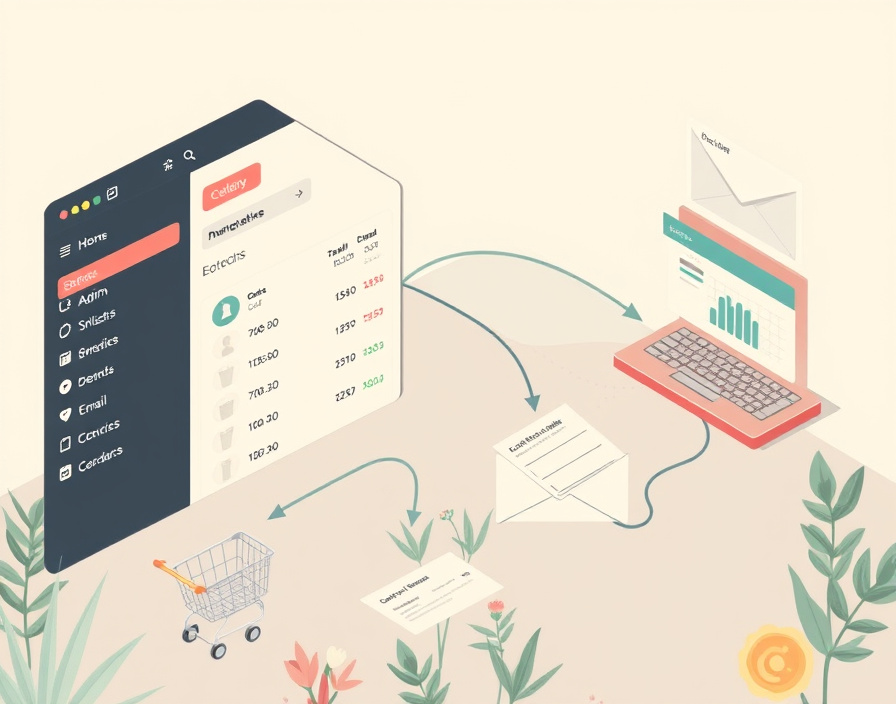
A list that swells every month without anyone pruning it is the single biggest hidden cost in email marketing. Most platforms price by the number of contacts stored, not the number who actually open anything, so a list full of bounced addresses, duplicate signups, and subscribers who haven't opened an email in a long while quietly pushes an account into a higher pricing tier while the engagement numbers that justify the spend go flat or fall.
The fix isn't a bigger plan — it's segmentation and pruning before the next tier kicks in:
- Separate contacts by last-open date and suppress or remove anyone who has gone quiet for an extended stretch, with the exact cutoff set by send frequency rather than a fixed number.
- Merge duplicate records created by multiple signup forms, a problem that gets worse the more forms, landing pages, and pop-ups feed into the same list.
- Move long-term non-engaged contacts to a free or unbilled "re-engagement" segment rather than deleting them outright, so a win-back campaign still has somewhere to run.
The comparison question this answers is not "what's the monthly price," but what it costs per contact who actually does something with the email. A platform that looks cheap at 5,000 contacts can look very different once half the list is dead weight.
Store data sits in the ecommerce platform, disconnected from email

If purchase and browsing data live in the store platform and nowhere else, the email platform has nothing to trigger on — no cart-abandonment series, no post-purchase follow-up, no "back in stock" nudge. The symptom is obvious once you look for it: campaigns go out on a schedule, but nothing fires in response to what a customer actually does on the site.
That's an integration problem, not a content problem. Platforms built for sellers connect directly to store software so that events — cart created, checkout started, order placed, product viewed — flow into the email tool as data fields and triggers. Sender's comparison of ecommerce email platforms frames this integration depth, not template variety, as the deciding factor for sellers choosing a platform, since the automations that recover abandoned carts or drive repeat purchases depend entirely on that store data arriving in real time.
Two steps follow from that, in order:
- Connect the store via a native or app-based integration so purchase and browse events populate contact profiles automatically.
- Build the automation workflows — abandoned cart, post-purchase, replenishment — on top of those events rather than on a fixed calendar.
A platform with a large template library but no store connection will still require manual list exports to run anything behavioral; one with a thin template set but a direct store integration can run cart-recovery and win-back sequences without anyone touching a spreadsheet.
An agency manages several client accounts in one tool
Running multiple client accounts through one shared login creates two problems at once: it's hard to prove results belong to the right client, and it's easy for one client's send to accidentally go to another's list. Campaign Monitor's review of platforms for agencies points to sub-account structure and client-facing reporting as the features that actually separate agency-ready tools from single-brand ones — not the number of templates or the size of the send volume discount.
Before signing a contract, an agency buyer should check, in this order:
- Team seats and permissions — can junior staff build campaigns without being able to send them, and can access be revoked per client without affecting others?
- Sub-accounts — does each client get an isolated contact list and sending history, or is everything pooled under one account?
- Client-facing reporting — can a report be generated and shared that shows only that client's numbers, without exposing the agency's other accounts?
- Billing structure — is pricing per sub-account, per total contact count across all clients, or a flat agency tier?
Only after those four hold up is it worth trialling the platform with one real client on a free or entry plan before migrating the rest of the roster. Moving every client at once, before confirming the reporting separation actually works, is the mistake that shows up as a support ticket three months later.
Campaigns send but open rates are unexpectedly low
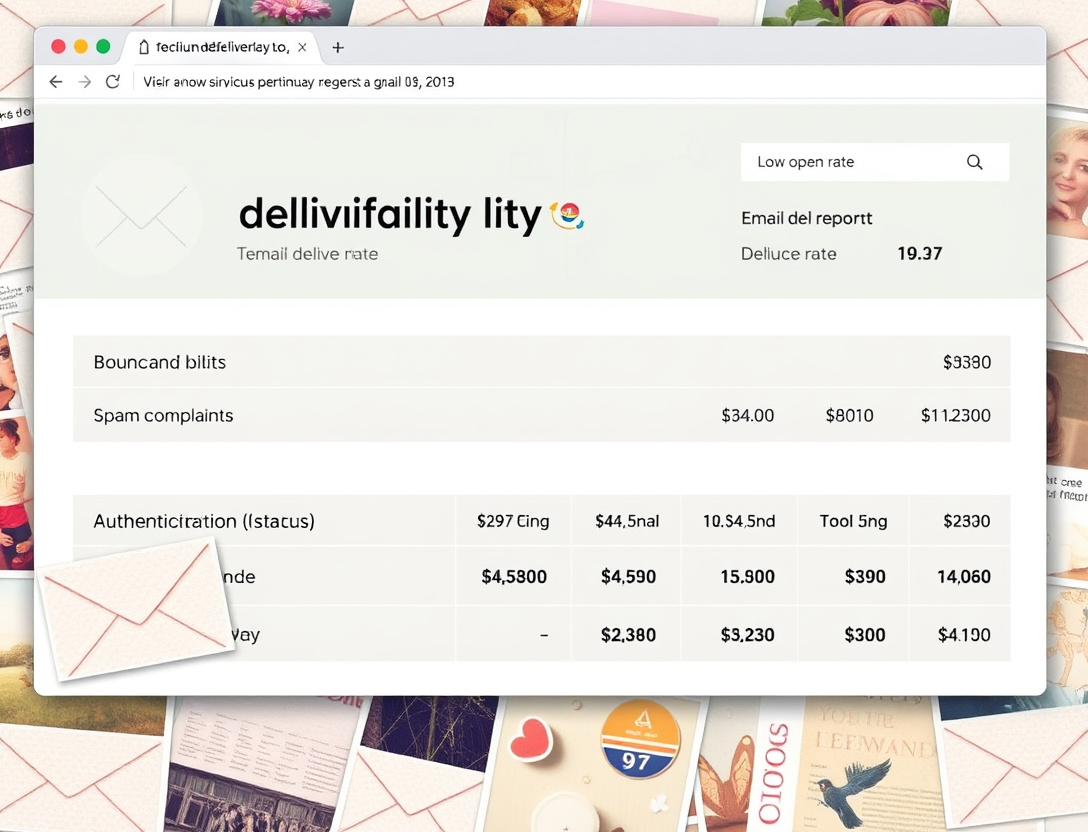
A campaign that sends cleanly but shows a low open rate could mean two very different things, and most dashboards don't separate them: "the subscriber received it and ignored it" versus "the email never reached the inbox at all." Treating those as the same number leads to the wrong fix — rewriting subject lines when the real problem is deliverability.
The signals that distinguish the two live below the open-rate headline:
- Bounce rate — hard bounces indicate dead or invalid addresses still sitting on the list.
- Spam complaint rate — even a small percentage, sustained over several sends, damages sender reputation with inbox providers.
- Authentication status — whether SPF, DKIM, and DMARC are correctly set up for the sending domain, which inbox providers use to decide whether to trust the sender at all.
Swydo's comparison of email tools treats deliverability reporting as a feature to check for specifically, since a platform that only shows "delivered" and "opened" gives no way to diagnose why engagement dropped. Choosing or configuring a platform that surfaces bounce and complaint data separately from opens is what turns a mystery into a fixable problem — the platform supplies the signal, but the sender is responsible for the list hygiene and authentication records that produce a good one.
What a workflow actually automates
A workflow is the configured sequence of triggers and emails that runs without a person sending each message by hand — a welcome series that starts on signup, a cart-abandonment sequence that starts on an abandoned checkout, a re-engagement series that starts after a stretch of inactivity. The trigger defines when it starts; the branching logic defines what happens next based on whether the subscriber opens, clicks, or does nothing.
Workflow depth is what separates a basic autoresponder from a marketing automation suite. A shallow workflow tool supports one trigger and a fixed sequence of emails. A deep one supports multiple trigger types (behavioral, date-based, API-based), conditional branches, and the ability to pull a contact out of one workflow and into another based on what they just did. That depth is the variable buyers should be pricing against, not the number of pre-built templates included in a plan.
Where templates fit, and where they don't
An email template is a prebuilt, editable design used to produce a campaign quickly — a layout with header, body blocks, and a footer that a sender fills in rather than building from a blank canvas each time. Templates speed up production of individual sends and keep branding consistent across a list of campaigns, which matters for a small team without dedicated design support.
What a template cannot do is trigger, branch, or decide who receives it — that's the workflow's job, not the template's. Two platforms can offer the same visual template library and still differ enormously in what happens once a subscriber clicks something inside it: one might route them into a follow-up sequence automatically, the other might require a person to build that next step by hand. Treating template count as a proxy for automation capability is the most common buying mistake in this category, because the two live at different layers of the product — one is content, the other is logic. A buyer comparing platforms should look at templates last, after confirming the trigger and branching options that actually move a contact through a sequence.
Subscriber, contact list, and what counts as billable
A subscriber is an individual contact who has opted in to receive email — the unit everything else is built on. A contact list is the stored set of subscribers a platform sends to, and it's usually the billing unit: most platforms charge based on how many contacts are stored, sometimes regardless of whether they're actively emailed.
What counts as "billable" varies by platform and is worth confirming before signing up, because it directly affects the cost curve as a list grows:
| Question to ask | Why it matters |
|---|---|
| Are unsubscribed contacts still counted toward the plan limit? | Some platforms keep them on file for suppression purposes and still bill for them |
| Are inactive or unengaged contacts billed the same as active ones? | Determines whether pruning actually lowers the bill |
| Does the price scale per contact or per email sent? | Per-send pricing rewards a clean list; per-contact pricing penalizes a large, unpruned one |
| Is there a free tier below a certain contact count? | Sets the point at which a small list starts costing money at all |
None of this shows up on the pricing page headline — it's in the fine print of the billing policy, and it's the actual determinant of whether a platform stays cheap as a list grows from a few hundred contacts to a few thousand.
Email marketing platform vs marketing automation vs CRM
These three terms get used interchangeably in buying guides, but they describe different scopes of software, and conflating them leads to buying the wrong tool for the job.
An email marketing platform builds, sends, and measures campaigns to a contact list — its core unit of work is the email send. Marketing automation adds rule- or trigger-based workflows on top of that, so emails (and sometimes SMS, push notifications, or ad audience updates) fire without manual action, based on subscriber behavior. A CRM manages the full relationship with a contact or account — deals, support tickets, sales pipeline stages — and may include email sending as one feature among many, rather than as the central function.
The practical implication: a store running abandoned-cart recovery and a welcome series needs marketing automation depth, not CRM depth. A B2B sales team tracking deal stages and using email as a touchpoint inside a longer sales cycle probably needs CRM-level contact history more than it needs elaborate email branching. Buying a CRM for pure campaign sending, or trying to run a sales pipeline inside an email platform's tagging system, both produce the same complaint later — "it doesn't do what we need" — because the tool was scoped for a different job.
Seven platforms, ranked by workflow automation depth
Comparing platforms purely on trigger count or branching logic is more useful than comparing them on template libraries, since templates are replaceable but automation architecture is not. The table below groups platforms by where their automation strength actually sits, drawing on the positioning used across current platform comparisons and ecommerce-focused reviews.
| Platform | Automation depth | Strongest fit |
|---|---|---|
| Klaviyo | Deep behavioral triggers tied to store events | Ecommerce stores needing cart and post-purchase flows |
| ActiveCampaign | Deep conditional branching, CRM-adjacent | Small teams wanting automation plus light pipeline tracking |
| HubSpot | Deep, but scoped inside a broader CRM suite | Teams already using HubSpot for sales or service |
| Mailchimp | Moderate — journey builder with branching, simpler than CRM-tier tools | Small businesses wanting one platform for email, forms, and basic automation |
| Omnisend | Moderate-to-deep, store-event triggers, multi-channel (SMS included) | Smaller ecommerce sellers wanting cart recovery without a full suite |
| Brevo | Moderate, workflow builder with transactional email support | Teams needing both marketing and transactional sends in one account |
| Drip | Deep, built specifically around ecommerce behavioral triggers | Ecommerce brands running complex, multi-step lifecycle campaigns |
The pattern across these: automation depth tends to track closely with how tightly the platform integrates with either a store (Klaviyo, Omnisend, Drip) or a CRM (ActiveCampaign, HubSpot). General-purpose tools like Mailchimp and Brevo cover the middle ground — enough branching for most small-business workflows, without requiring a store or sales pipeline connection to be useful.
Can you earn from email marketing?
Yes, but the honest answer depends on what gets measured as "earned." Email platforms typically report attributed revenue — sales tied to a click from a specific campaign or workflow within a defined attribution window — which is not the same as the blended revenue figure that shows up on a store's actual profit-and-loss statement. A cart-abandonment workflow might show strong attributed revenue in the platform dashboard while representing a much smaller share of total revenue once other channels and direct traffic are accounted for.
The workflows most consistently tied to measurable revenue, based on how ecommerce-focused comparisons frame them, are the behavioral ones: cart abandonment and post-purchase sequences that fire on store events rather than broadcast campaigns sent to the whole list. Broadcast campaigns build awareness and retention value that's harder to attribute directly to a single sale. Anyone evaluating "can this pay for itself" should look at the platform's own attribution window settings — how many days after a click a sale still counts as email-driven — since a longer window will always show a larger attributed number for the same underlying sales.
Does email still reach Gen Z?
There's no single number that settles this, so the more useful question is what follows from the fact that younger subscribers also live inside messaging apps and social inboxes, not from email alone. If a brand's audience skews young, the reasoning that should drive platform choice isn't "does email work for them" but "what happens when it doesn't" — meaning the automation builder should be able to fall back to or run alongside SMS or push rather than treating email as the only channel a workflow can fire through.
Platforms that bundle SMS or push into the same automation builder as email, instead of selling it as a separate add-on, give a more realistic shot at reaching a channel-hopping segment inside one workflow rather than requiring a second tool and a second trigger system. That's a reason to weight multi-channel trigger support higher when the target audience skews young — not a claim about what any specific generation currently opens or ignores.
Migrating platforms without losing automations or domain reputation
Switching platforms is treated as a simple export-import in most buying guides, but three things are easy to lose in the move if they aren't planned for in order:
- Export contacts with full field history, not just name and email — tags, segment membership, and engagement history rarely transfer automatically, and rebuilding segmentation from scratch after migration defeats the purpose of the switch.
- Rebuild automations before cancelling the old platform, testing each workflow's triggers against the new platform's integration before relying on it, since trigger logic (what counts as "cart abandoned" or "inactive") is rarely identical between platforms.
- Warm the new sending domain gradually rather than sending the full list on day one — inbox providers build sender reputation per domain and sending IP over time, and a sudden volume spike from an unfamiliar domain is a common cause of a post-migration deliverability drop.
Skipping the warm-up step is the single most common cause of a migration that looks fine in testing and then tanks open rates in week one.
What happens to your data after you cancel
Contact lists, templates, and automation configurations are generally retained in the platform's own system for some period after cancellation, not deleted immediately — but the retention period, and whether contacts can be re-exported after the account is downgraded to free or closed, varies by provider and is worth confirming in the platform's own terms before signing up, not after cancelling. The safer default is to export a full contact list and archive automation logic (screenshots or documented trigger/branch structure, since automations themselves usually can't be exported as files) before downgrading an account, regardless of what the provider's stated retention policy says.
Choosing against the actual cost driver
The variable that moves cost and capability more than any single feature is list size against automation depth — how many contacts are billed, and how much of what they do on a store or site can actually trigger a send. Start any comparison by counting the real list (pruned, not the raw export), then check whether the platforms under consideration can trigger off the events — cart, purchase, inactivity — that matter for the business, before comparing monthly price at all.